Power bank rental kiosks for venues

Dead phones send guests home.

AMP Service puts a 12-battery charging kiosk in your venue. Guests tap a card, take a charged power bank, and stay for the rest of the night. We install it, stock it and service it.
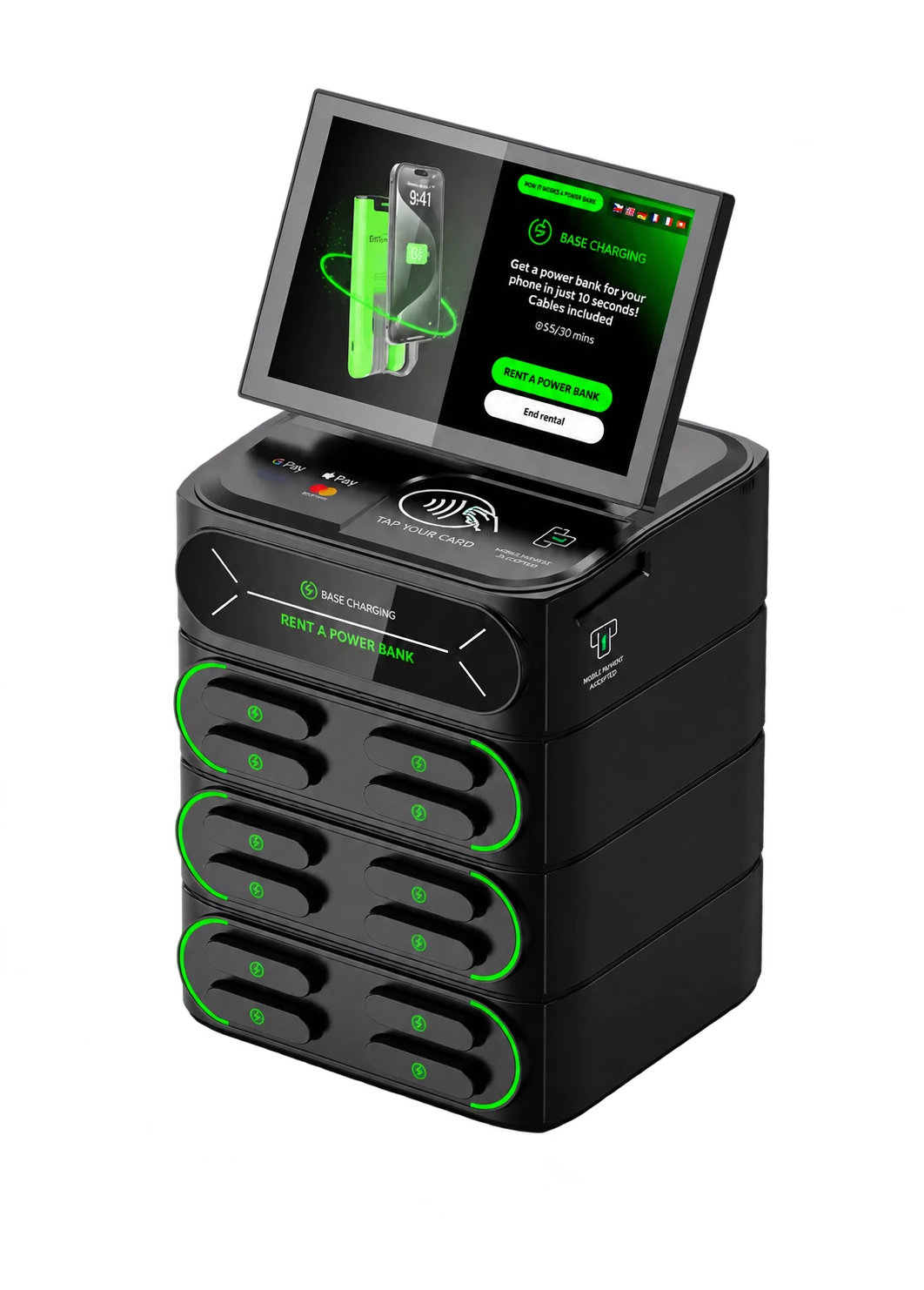
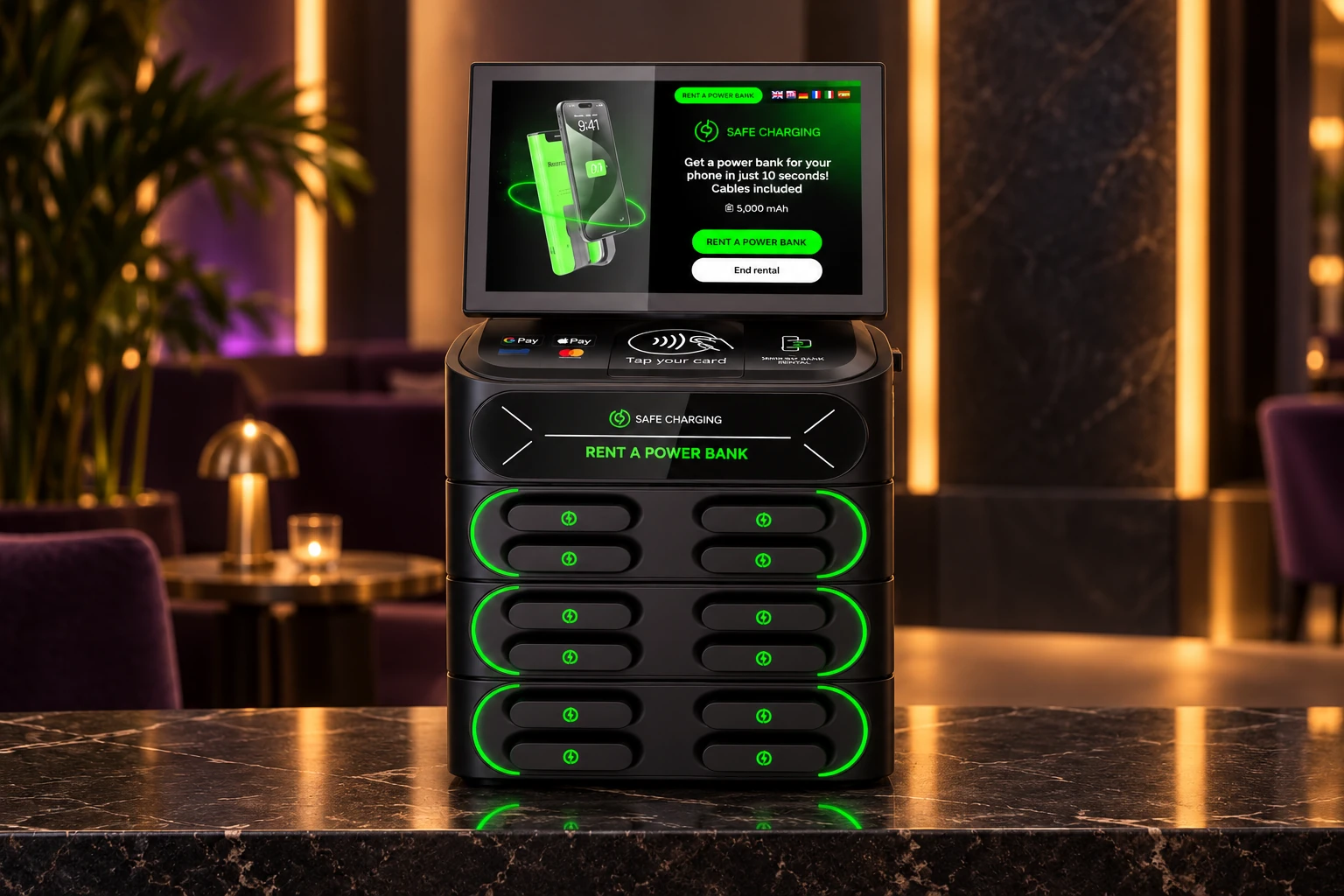
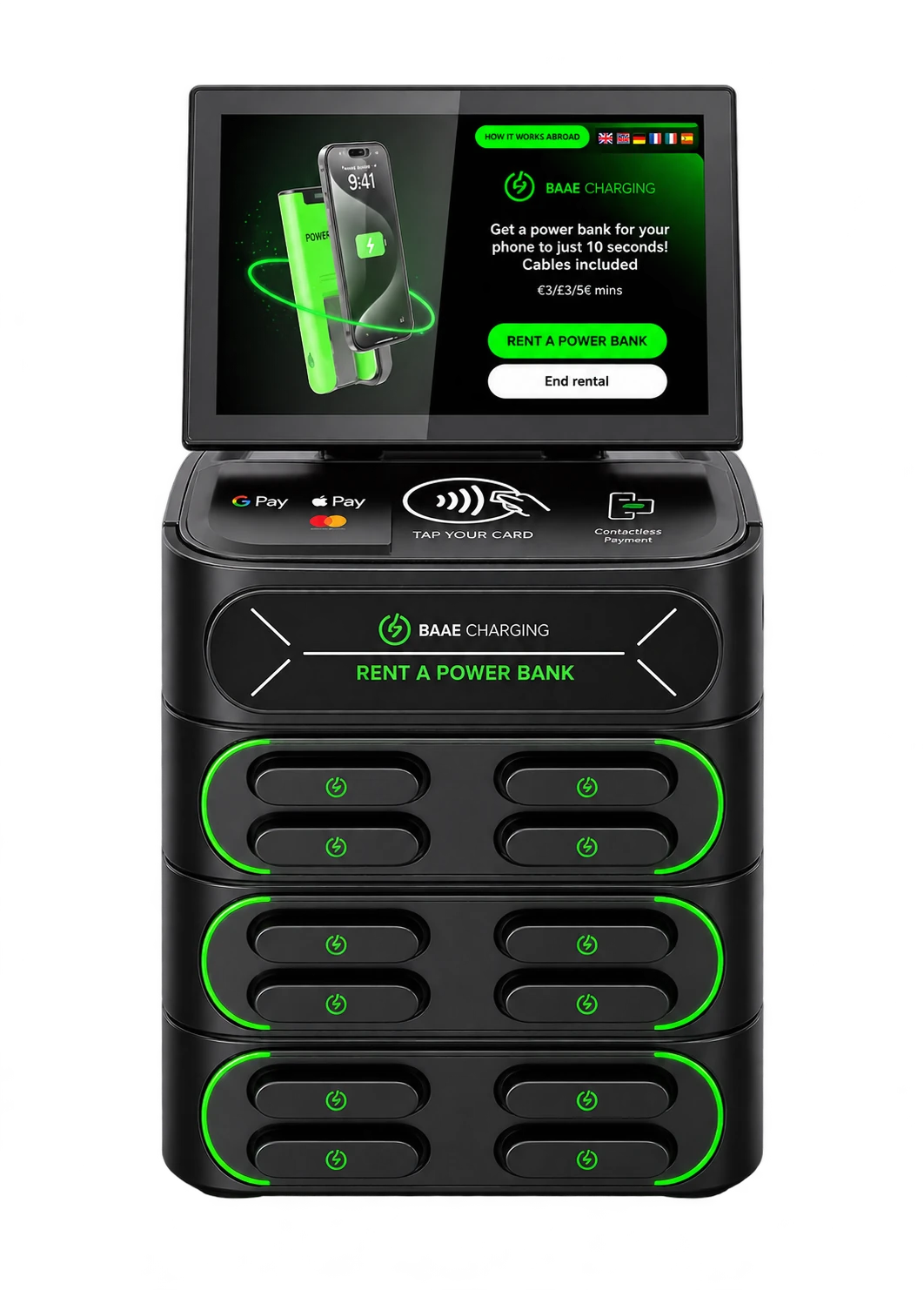
The AMP Service kiosk in black: a touchscreen on top, tap-to-pay pad, and three stacked bays holding 12 power banks with green status lights.
One night at your venue

Phones out.

Photos, texts, splitting the tab, finding the friends who are running late.

Down to 4%.

This is the moment guests start heading for the door.

Unless there's a kiosk by the bar.

Tap a card, take a battery, order another round.

Last call.

The battery goes back into any open slot, charged and ready for tomorrow.
AMP kiosk · by the bar
The kiosk

Twelve batteries. Zero work for your staff.

Guests rent and return on their own. Your bartenders never touch it.

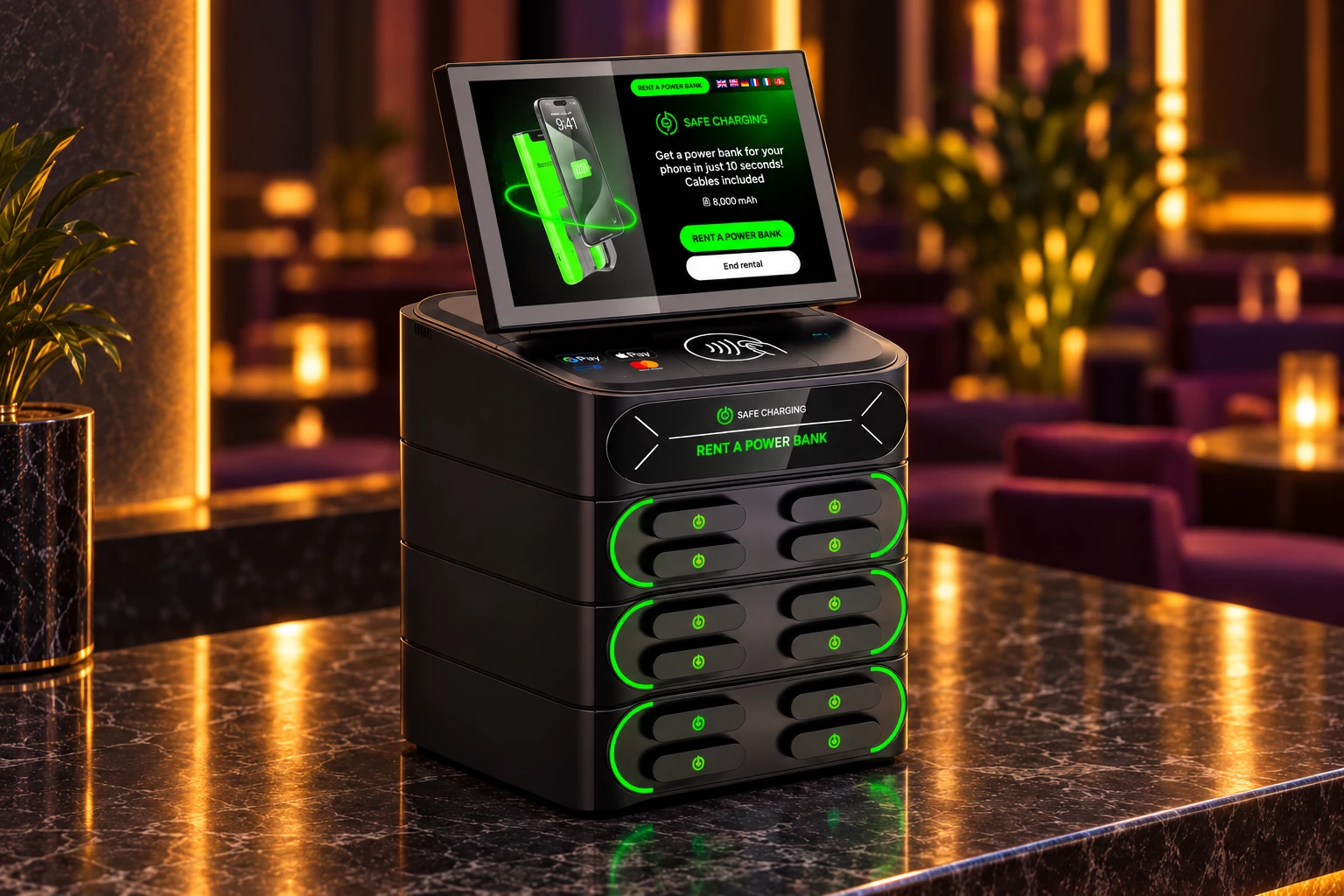
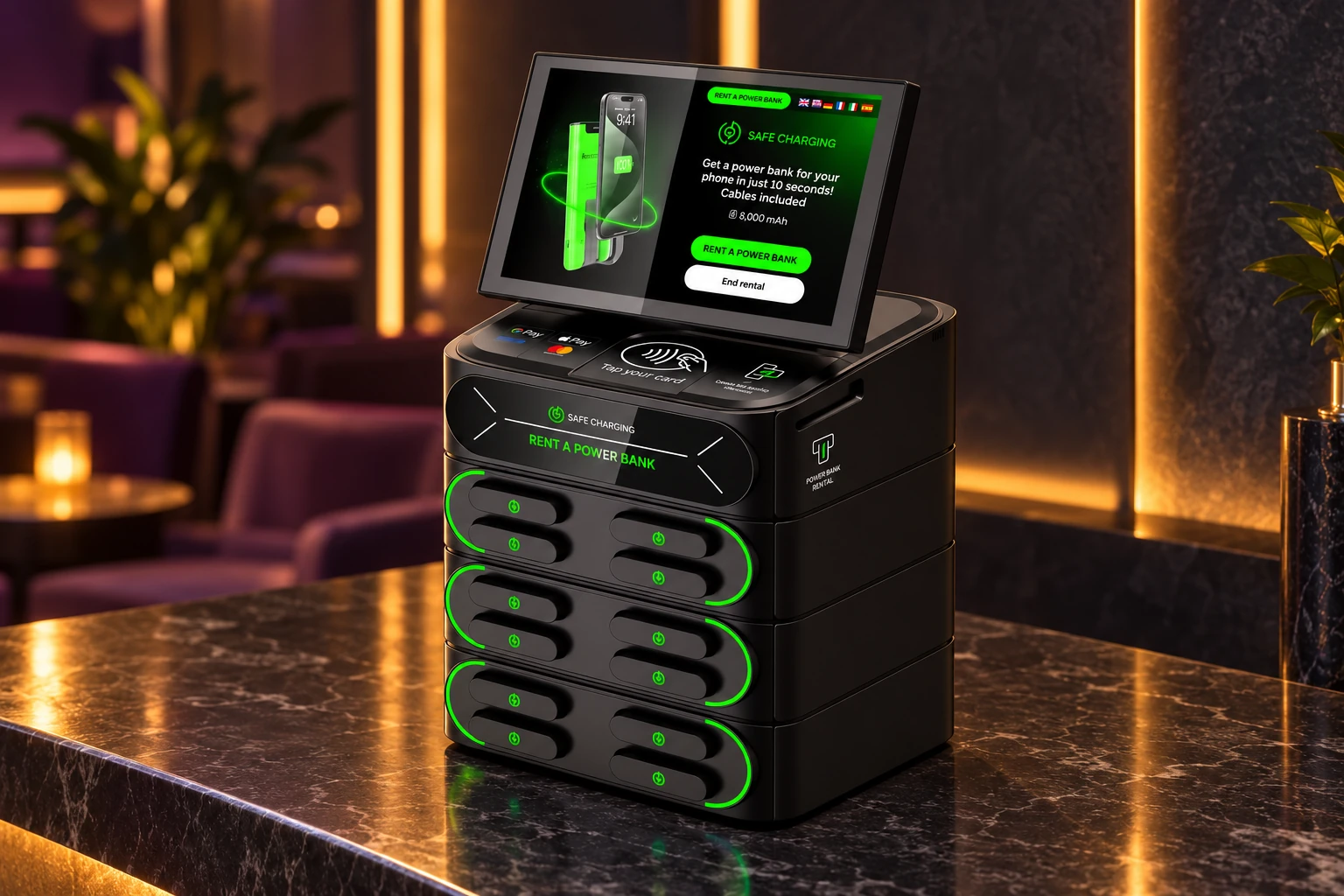
Three-quarter view of the black AMP kiosk.

Touchscreen

Guides guests through renting and returning a power bank.

Tap to pay

The contactless area on top accepts Apple Pay, Google Pay, Visa and Mastercard.

Right-side card slot

A single card insertion slot on the right side of the kiosk accepts chip cards.

12 power banks

Three stacked bays of four, charging between rentals.
Charging cables built into every batteryCountertop or wall-mountedBlack finish
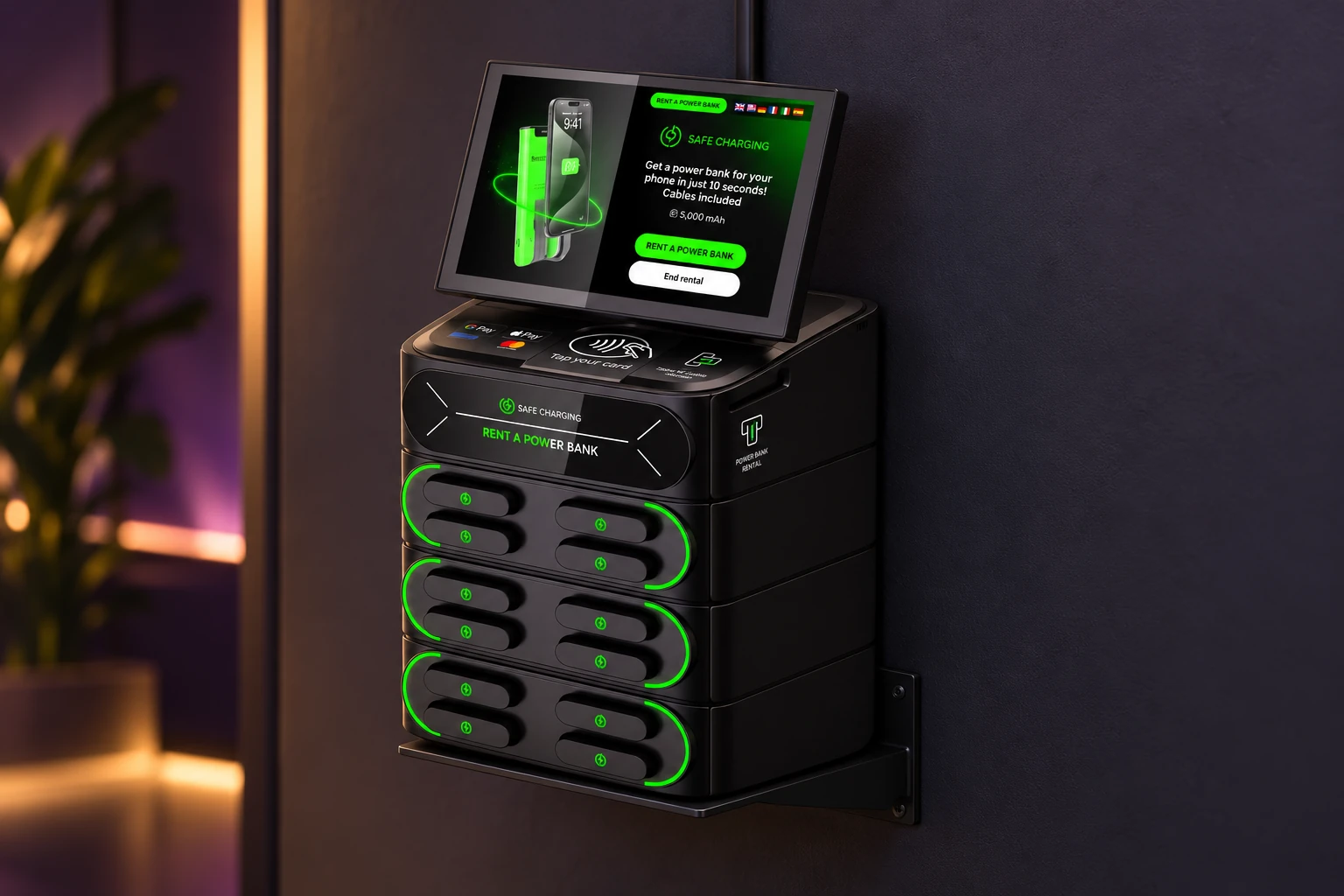
Visualization of the black kiosk on a dark stone countertop, with its single right-side card slot visible Front view of the black kiosk on a dark stone countertop in a warmly lit lounge Left-side view of the countertop kiosk; the card insertion slot is on the opposite right side Illustration of the black AMP kiosk supported by a wall-mount bracket on a dark wall
Finish

Made for your venue.

A black finish with green charging lights. Choose countertop placement or a wall-mounted setup to keep your counter clear. Explore the views below.

Finish
Black
View

Countertop and wall-mount views are AI-generated installation visualizations based on the supplied kiosk photo; details may vary. The kiosk has one card insertion slot, on its right side. We’ll confirm the mounting location during your site walk.

Where it goes

Built for the places phones die.

Bars & nightclubs

By the bar, in sight of staff.

Late nights drain phones, and guests need theirs to pay, text friends and call a ride. A charged battery keeps them in for the next round.

Best fitCountertop at the end of the bar, or wall-mounted by the restrooms.
Restaurants

At the host stand.

Guests waiting for a table, or lingering after dessert, charge up without asking your staff for a cord.

Best fitCountertop at the host stand or the bar.
Hotels

In the lobby.

Travelers arrive after a full day on their phones. A kiosk at the desk fixes it without lending out chargers that never come back.

Best fitCountertop by the front desk or lobby seating.
Gyms

Next to check-in.

Music, workout tracking and check-in all run on the phone. A battery covers the whole session.

Best fitWall-mounted by the front desk or locker rooms.
Event venues

Where the crowd moves.

Tickets, payments, photos and the ride home all live on the phone. Guests who can charge stay through the encore.

Best fitWall-mounted at the entrance or by concessions.
Coworking & campus

Where laptops hog the outlets.

Long sessions, not enough plugs. A power bank keeps the phone alive without leaving the seat.

Best fitCountertop in the lounge, library or café.
For venue owners

We do the work. You keep the guests.

  1. 01

    Site walk

    We visit and pick the spot with the most traffic and an outlet nearby.

  2. 02

    Install

    We place or mount the kiosk and power it up. Your team doesn't lift a finger.

  3. 03

    We run it

    Charging, replacing missing batteries, cleaning and repairs are on us.

  4. 04

    You earn

    Your venue earns a 15% commission on rentals.

Cost to hostFree
Your share of rentals15% commission
Guest price$10 per rental
Questions owners ask

FAQ

What does it cost to host a kiosk?
Hosting is free. We provide, install, and maintain the kiosk at no charge to your venue. You earn a 15% commission on rentals from your location.
What do guests pay?
Guests pay $10 per rental. They keep their phone with them while it charges, then return the power bank to the kiosk when finished.
What if a guest walks off with a battery?
That’s our responsibility, not your venue’s. We handle missing power banks and cover restocking. As soon as we learn one is missing, we arrange a replacement and restock it as quickly as possible. Your staff does not need to chase returns.
Who takes care of the kiosk?
We do. We restock, replace missing or worn batteries, clean it and handle repairs. Your staff never has to troubleshoot it.
What do you need from my venue?
A spot on a counter or wall with an outlet nearby. We'll find the right one together on the site walk.
How long is the agreement?
Keep the kiosk for as long as you’d like, with no fixed minimum term. If it’s no longer a fit, email ampservicenow@gmail.com and we’ll remove it within seven days of your request.
Host a kiosk

Put one in your venue.

Tell us about your space. We'll set up a site walk and show you exactly where it would go.

Prefer email? ampservicenow@gmail.com